

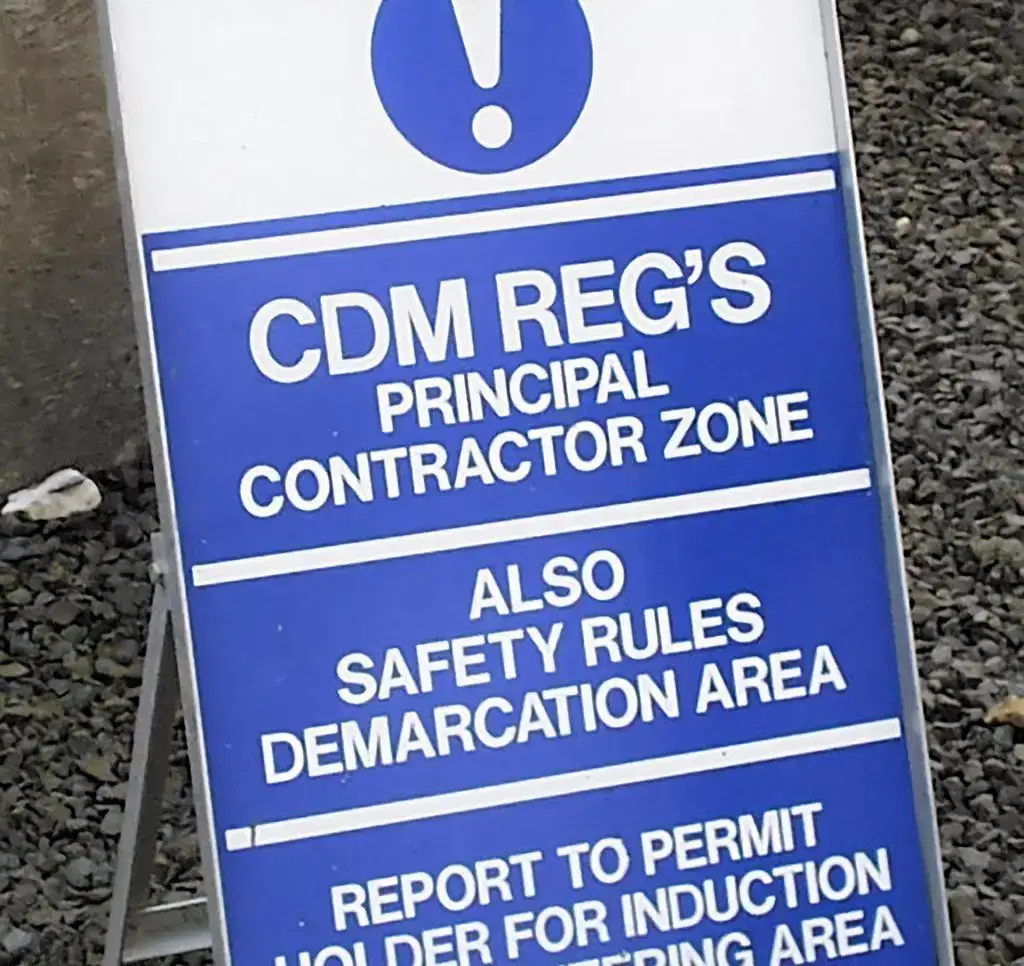
How to Fill Out an F10 Notification Form (CDM 2015 Regulations)
If you’re planning a construction project in the UK, you may need to submit an F10 notification form to the Health and Safety Executive (HSE). This is a legal requirement under the Construction (Design and Management) Regulations 2015 (CDM 2015), and failing to do so could result in enforcement action.
In this article, we will go through what the F10 Form is and isn’t, when is it needed, who fills out the form, who has legal responsibilities for the F10 and how to complete the F10 Form.
What is an F10 Form?
Under CDM 2015, any notifiable construction projects must be reported to the HSE before work begins. This is done using the F10 form, which notifies the HSE of key project information and ensures that health and safety are properly managed on site.
Regulation 6 of the Construction (Design and Management) Regulations 2015 (CDM 2015) defines when a construction project is “notifiable.” Notifiable projects must be reported to the Health and Safety Executive (HSE) .
What the F10 Form is not?
- Not HSE approval or permission – it does not mean the project is authorised or checked.
- Not a risk assessment – it doesn’t identify hazards or control measures.
- Not a method statement – it doesn’t explain how work will be carried out safely.
- Not proof of legal compliance – submitting one doesn’t mean CDM duties are being met.
- Not required for every project – only for notifiable projects.
- Not a substitute for planning – it doesn’t replace the Construction Phase Plan (CPP) or Health & Safety File.
- Not a safety management document – it’s purely administrative (a notification).
Who Actually Fills Out the F10?
So, lots of people ask can a CDM Advisor fill out the F10 form?
Yes, absolutely. Anyone can physically log onto the HSE portal, type out the words, and click the submit button. It is very common for a Client to ask an external CDM Advisor, a Principal Designer, or a Principal Contractor to do the actual admin work of filling in the boxes.
If a CDM Advisor fills it out, who has the actual legal responsibility?
This is where people get caught out, and it’s a dangerous mistake. The legal responsibility for ensuring the HSE is notified stays 100% with the Client.
Under Regulation 6 of CDM 2015, the law states clearly that the Client must give notice. You can delegate the task of filling out the form to a CDM Advisor, but you can never delegate the legal liability. If your advisor forgets to submit it, inputs completely wrong data, or sends it in late, the HSE will not prosecute the advisor. They will come down on the Client.
If you are a Client, you need to verify it has been done, check the details yourself, and get a copy of that receipt number. Do not just take someone’s word for it because “they handle the safety side of things.”
When Do You Actually Need to Notify the HSE?
You don’t need an F10 for a two day office repaint. But for real, substantial construction or utility work, the triggers come up much faster than most people realise.
Under CDM 2015, you are legally required to submit an F10 if your construction project meets either of these two strict criteria:
- Trigger 1: The work will last longer than 30 working days AND will have more than 20 workers on site at the exact same time at any single point in the project.
- Trigger 2: The total volume of work will exceed 500 person days. (For example, if you have 10 people on site for 51 days, that’s 510 person days. You’ve breached the threshold, even if you never have 20 people on site at once).
If your project hits one of those numbers, you must notify the HSE as soon as is practicable before the construction phase begins.
Notice the wording: before it begins, not three weeks after the excavators have started rolling.
How to Fill Out an F10 Notification Form (CDM 2015 Regulations)
Step 1: Click on Submit an F10 Notification (HSE Official Site)
Client Details – Name, email address, telephone number, address
Step 2: Project Description
Select the best description for your project and the work it entails
Step 3: Project Description
Please write a brief description of the construction work and/or project (1500 characters max).
Step 4: Construction Site Location
Postcode of the site or manual address, if multiple sites enter each
You also need Country, Geographical Ares Ie Warwickshire and which local authority
Step 5: Project Schedule
How many weeks are allocated by the Client under regulation 4(1) for the construction work (including all planning and preparation, and the construction phase)?
When is the construction phase planned to start?
How many weeks are allocated just for the construction phase?
What is the estimated maximum number of people at work on the Site at any one time?
What is the planned number of contractors on the Site?
Step 6: Details of those involved in the project
Add Principal Designer – Name/Organisations, email address, telephone number and postcode
Add Principal Contractor – Name/Organisations, email address, telephone number and postcode
Add Additional Duty Holders – Name/Organisations, email address, telephone number and postcode
Step 6: Declaration
Confirm statements are true and accurate, add in contact details for F10 Notification to be sent to.
Step 7: Print and Display the F10 Form in a prominent place on site
Need help with CDM compliance, principal designer, principal contractor responsibilities, then please look at our CITB Site Safety Plus Training or get in touch for expert advice and guidance.